Blocking Bad Bots and Scrapers with .htaccess
 Want to block a bad robot or web scraper using .htaccess files? Here are 2 methods that illustrate blocking 436 various user-agents.
Want to block a bad robot or web scraper using .htaccess files? Here are 2 methods that illustrate blocking 436 various user-agents.
Using FastCGI on DreamHost and .htaccess
 .htaccess is a very ancient configuration file for web servers, and is one of the most powerful configuration files most webmasters will ever come across. This htaccess guide shows off the very best of the best htaccess tricks and code snippets from hackers and server administrators.
You've come to the right place if you are looking to acquire mad skills for using .htaccess files!

 Stop wasting your lives with Mac Terminals.. or Macs. Get a real machine and then get a real shell multiplexer! For many years we all loved GNU Screen, but tmux is by far a better option today. The only time I am in the shell and not using a multiplexer, is when I'm not on one of my machines. My Arch Linux machines all run URxvt and my .bash_profiles all start tmux automataically, whether in X or single-user mode, tmux is where it's at.
Before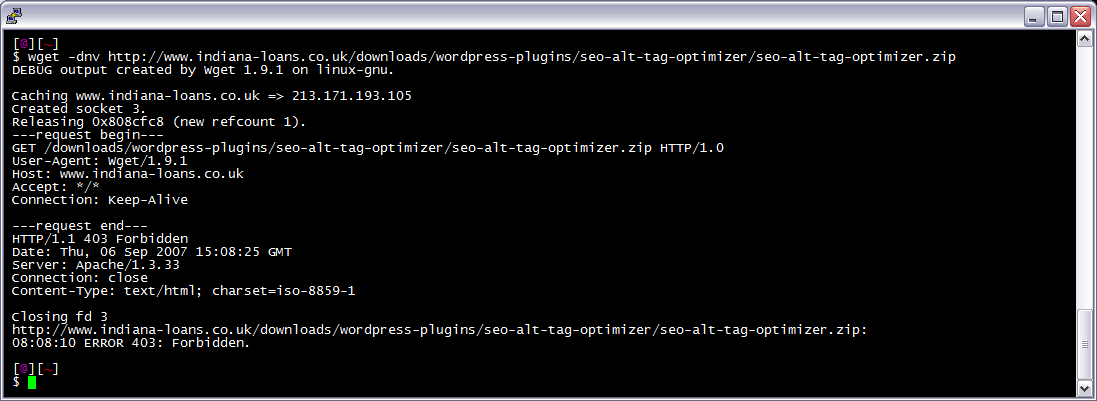 After trick
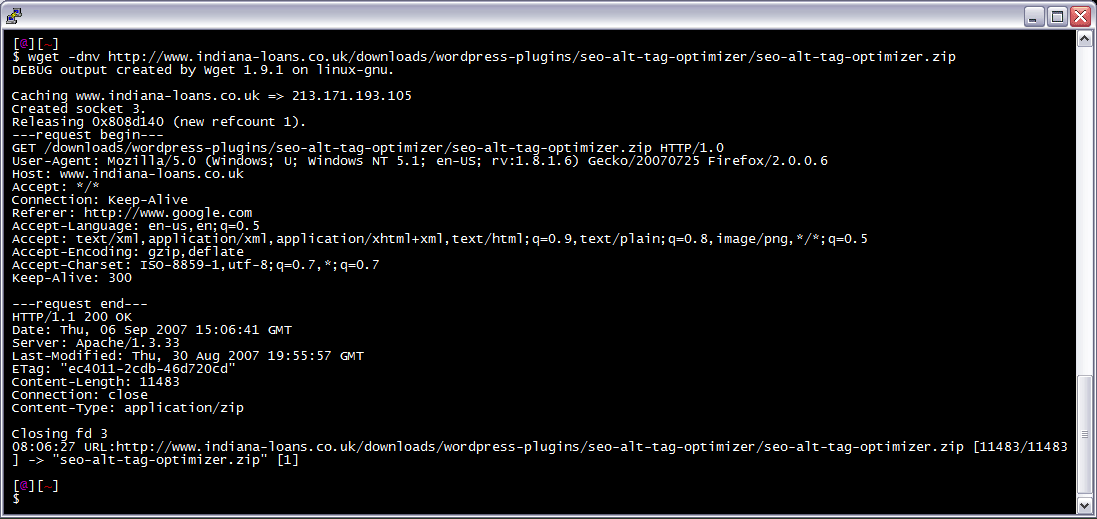 I am often logged in to my servers via SSH, and I need to download a file like a WordPress plugin. I've noticed many sites now employ a means of blocking robots like wget from accessing their files. Most of the time they use .htaccess to do this. So a permanent workaround has wget mimick a normal browser.
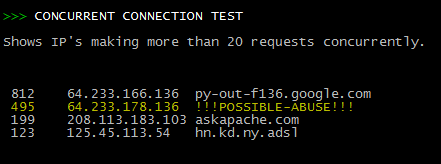 Scan Apache logs for IP address that are probably evil, then generates an .htaccess file to DENY them all.
To prepare for several upcoming articles on AskApache that are focused on optimizing Servers and Sites from a server admin level, here is an article to introduce the main tools that we will be using. These tools are used to optimize CPU time for each process using nice and renice, and other tools like ionice are used to optimize the Disk IO, or Disk speed / Disk traffic for each process. Then you can make sure your mysqld and httpd processes are always fast and prioritized.
If you have files on your site that you don't want indexed by malicious search engines, grabbed and leeched by malicious spammers, or stolen and made available elsewhere, you can use mod_rewrite to drastically reduce or totally reduce that activity.
mod_rewrite is very useful in many situations. Yet some behaviors were not so obvious when I started to mess with it. After many testings, I understand it much better, now. Having said that, I do not pretend to know it perfectly. I also make mistakes.
 PHP's fsockopen function lets you open an Internet or Unix domain socket connection for connecting to a resource, and is one of the most powerful functions available in the php language.
Securing Subdirectories using unique apache htaccess solutions.
Tons of awesome tips and tricks using netcat. Port redirector, nessus wrapper, capture exploits being sent by vuln scanners, etc. This is very useful for doing stuff like redirecting traffic through your firewall out to other places like web servers and mail hubs, while posing no risk to the firewall machine itself.
 Just a very brief look at speeding up form submission by delegating the processing and bandwidth to your server, not your client.