Unix file permissions are one of the more difficult subjects to grasp.. Well, ok maybe "grasp" isn't the word.. Master is the right word.. Unix file permissions is a hard topic to fully master, mainly I think because there aren't many instances when a computer user encounters them seriously, and bitwise is oldschool. This contains a listing of all possible permission masks and bits from a linux, php, and web hosting view.... cuz you guys AskApache Regs Rock!
Security chmod File Permissions umask
DreamHost PS gives you your own "virtual machine", protecting your CPU and RAM on your physical machine for faster websites. Here's what I like and dislike about DreamHostPS, and some of the issues and solutions for migrating.
Hosting DreamHost
 I've spent a lot of time over the past 10 years managing my money online, and I want to let you all know my two favorite free online banks, Etrade and WaMu.
Software
 Google AdSense calles their AdSense Ads, "Sponsored Links", while Text-Link-Ads.com recommends "Sponsored By". Of course it is against the Google Adsense TOS to rename your ads, but in general, for non-adsense, what do you like to call your sponsored links?
SEO
NOT a typo.. 30x is measurable, well-documented, and easily tested. This is what open-source is about. I haven’t had time to post much the past year, I'm always working! So I wanted to make up for that by publishing an article on a topic that would blow your mind and be something that you could actually start using and really get some benefit out of it. This is one of those articles that the majority of web hosting companies would love to see in paperback, so they could burn it.
Optimization tmpfs
 Google Analytics for your clients sites is a no-brainer, it ROCKS! I have 100+ client sites running Analytics and all of them have trouble-free (no password or username to remember) access to their site reports. Thanks to the method in this post, my clients couldn't be happier..
Google
This quick tutorial will show you the steps to change and reset any user password on a windows computer, and also show you how to protect your computer from people doing this to you!
Hacking
Learn how to setup, configure, secure, optimize, and create a low-maintenance website the AskApache way. I'm piecing together all the hacks, tricks, methods, and ideas discussed throughout this blog and all across Netdom and glueing them all together to show you how to have the most optimized, crazy fastest, and best website setup I can think of.
Hosting Apache HTTP Server Caching Htaccess HTTP linux operating systems round-robin DNS technology Web Developer Web server
 If for some reason you need to use windows .bat batch file scripting to do some task, or you just want to learn the most universal batch programming language on Windows machines, you lucked out and found the AskApache example. My expertise is the shell, in this article the shell is Windows
 cmd.exe. It has some pretty advanced windows shell usage, including pipes and redirection, but it's the modular linux-like coding approach that earns this script it's "advanced" title.
:SETPROMPT
set PROMPT=$_[%USERNAME%@%USERDOMAIN%]$S[$P]$_$M$G && EXIT /B
 My favorite tool (and I've tried sooo many) for editing most Windows files and especially .bat files is the free and open-source Notepad++. Set that up and you will have a color-syntax-highlighted editor for Batch Scripting that works very very well.
Windows Batch File Batch Scripting Command Prompt Microsoft Windows
 If your WordPress blog uses AdSense, and you love Firefox you will love this plugin. When a user downloads and installs Firefox through your referral, we'll credit your account with up to $1.00 (more details).
WordPress
WaMu Reincarnation!
Man I was bummed about WaMu folding, they had the best banking site I've seen, and I've worked on a few myself. And of course the biggest reason to love WaMu was that they actually paid YOU to borrow your money to lend to other people. Can you even imagine that level of decency existing in the world? It's been taken to such a low level by Chase I almost forget how to spell it.
So I picked up my October issue of Wired to try and forget about such tragedies, and on the first page I flipped to was a 1/3 page advertisement for a bank that didn't beat around the bush at all. No fine print of any kind, just loud and clear message that they will pay you to be their banking customer. I wasted no time and quickly checked out the site, and within 5 minutes of landing on their homepage I was a customer, and a very happy one. Even the name of this bank makes it clear they are not in the Microsoft Family Business with Chase and the other corporate pirates.
Web Design ally bank favorite free banking Finance PayPal
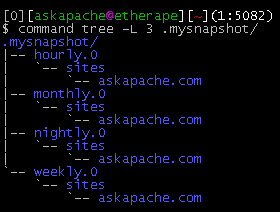
This simple unix shell script automatically creates backups of a specific folder at regular hourly, nightly, weekly, and monthly intervals. Instead of the usual method for copying directory trees using tar with fifo, pipes, rsync, or NFS methods this script uses cpio which is much much faster and has cool options like saving m/a/c times, symlinks, relative paths, and weird file names.
Shell Scripting
The goal is to add the HostGator server to be an exact mirror of the s.askapache.net domain, then to add that server as a 2nd A record to my DNS zone. That way half the visitors to the size will be taking up resources and bandwidth on the HostGator server instead of mine.
Round Robin A records in DNS are intended to evenly distribute queries between each host of the same name. Using some tricks straight out of a hackers toolbox we can verify if the distribution is taking place. (It is.)
Optimization DNS HostGator Rackspace Round-Robin WiredTree
Sometimes there is an urgent need for creating an exact duplicate or "mirror" of a web site on a separate server. This could be needed for creating Round Robin Setups, Load-Balancing, Failovers, or for just plain vanilla backups. In the past I have used a lot of different methods to copy data from one server to another, including creating an archive of the whole directory and then using scp to send the file over, creating an archive and then encrypting it and then sending that file over using ftp, curl, etc., and my persistence at learning new ways to do things has paid off because now I use rsync to keep an exact replica of the entire directory on an external server, without having to use all the CPU and resources of other mirroring methods.
Security rsync ssh
I'm really sorry but I had to disable the sites you had running under
user $USER because that was the only way I could keep the associated
processes from restarting themselves and making the server unstable.
Please do not run these sites with a persistent php.cgi process with a
php.ini file as an argument. Shell Scripting
Ok I just came back up to write the intro.. I'm trying to keep it short to avoid getting bogged down by the coolness of each step. Here is what goes on. When I logon to my XP machine at work, I bring my usb key and plug it in first. On logging a window pops up first and it's a password prompt to mount my encrypted drive leonardo. It also checks a keyfile that is located on my usb key, but all I do now is type in my password. That causes my encrypted folder to be accessible to me like a normal drive, and it autoruns a startup batch file.
The batch file causes Portable versions of Firefox (all my bookmarks, my settings) to load, and launches Portable Mozilla Thunderbird (IMAP makes this work well), which is my favorite program (great GPG features and open-source!). Also Some Adobe CS4 software is loaded from the hard drive, like DreamWeaver. In the background, a service we created executes a PortaPuttY plink command to create forwarded tunnels from various remote servers and accounts, all using key-based encryption. These tunnels are automatically reconnected if they are disconnected, meaning you can use a socks 5 if you want or even better!
Hacking Backup encryption Microsoft Windows Secure Shell ssh TrueCrypt USB USB flash drive windows builtin command-line tools
Enumerating Permissions can be Annoying
Don’t ask me how because I won’t tell you, but on one of the hosts I was testing on that did not allow direct access I was able to get the Apache server running as dhapache to erroneously write a file into my users blog directory. This is a big security no-no and I now have my .htaccess file written into the blog directory where it should go, but instead of my php script’s user having write access to the file so I can modify it, its owned by dhapache! Because the file is owned by dhapache I shouldn’t even be allowed to know it exists, but there it is. So the next step was to try and take ownership of the .htaccess file so that I could modify it. I tried and tried but was unsuccessful, I couldn’t modify it so that was another dead end. Actually it took me awhile to figure out how to remove the file from my directory. Being that it was owned by dhapache I couldn’t delete or modify it using my php process or even through ftp/ssh! Sysadmins regularly run find commands that search the servers for any files owned by dhapache that should not be there as this is a big red flag that someone has found a way to manipulate dhapache which could potentially lead to modifying dhapache-owned server config files, which sometimes is all it takes to hack your website and server.. Luckily I was able to delete it by basically running the hack again to overwrite the file.
WordPress
With a rating of 8.58, this marks the highest rated DreamHost Site Of The Month Winner in the History of the Contest!
Hosting
 .htaccess is a very ancient configuration file for web servers, and is one of the most powerful configuration files most webmasters will ever come across. This htaccess guide shows off the very best of the best htaccess tricks and code snippets from hackers and server administrators.
You've come to the right place if you are looking to acquire mad skills for using .htaccess files!
Apache, Hosting, Htaccess, Optimization, Security, SEO, Web Development, WordPress .htpasswd 301 Redirect Apache Apache HTTP Server Cache Hosting Htaccess Htaccess Software HTTP Headers httpd.conf HyperText Transfer Protocol mod_rewrite Redirect RewriteCond RewriteRule SSL
Linux firewall nmap
Hosting DreamHost Out of memory RAM virtual memory
Hosting
Hosting, Net DNS
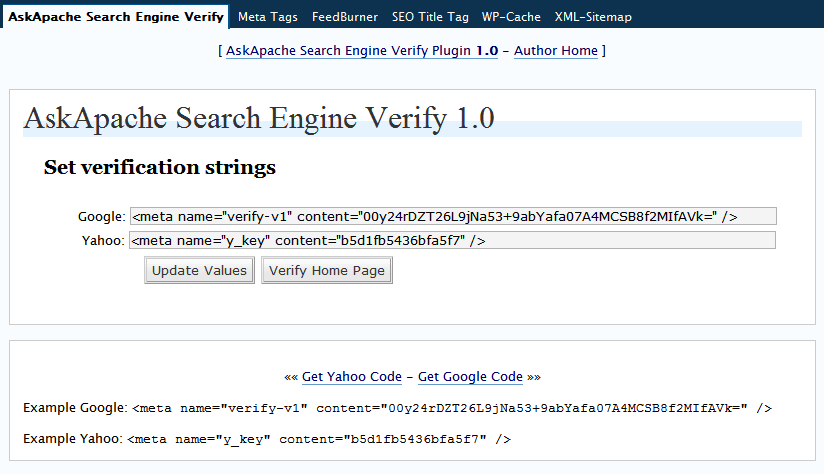
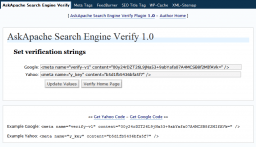 You may not think much about verifying your website with these search engines, but I am of the opinion it is extremely good for Search Engine Optimization (SEO). In fact, I read the other day on Google that if you buy a domain with a checkered past that has been punished by the search engines and you want it to be reincluded in the index this is what they recommended. Verify your sites.
WordPress
Adding a PayPal "Donate Now" button to your site is really easy. All you need is a paypal account, once logged in you can use the helpful wizard that walks you through the very quick and easy process.
Web Design form PayPal
Windows boot.ini

Just a quick reference to all those delicious unicode characters and how they render on the web‽‽
Web Development symbols Unicode
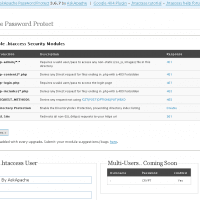
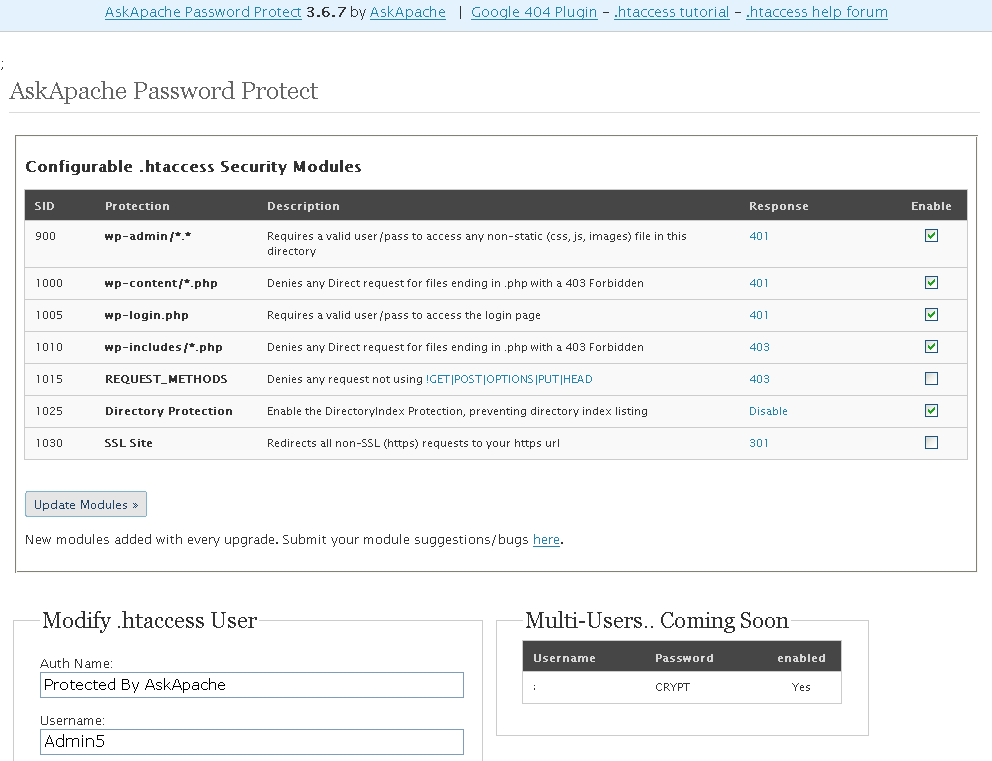
- gzip's previous .htaccess file and sends it as an attachment to the logged in users email account along with password user setup.
- Now also works for sites running on SSL (PHP version >4.3.0)
- Rewrote the security module code in the form of snort, nessus, and mod_security rules and signatures
- Added a *real* check to see if mod_rewrite is installed
- Added Modules that remove directoryindexes
- Much more on the way..
WordPress
One of the most cost-effective ways to drive traffic to your Web site is to optimize it for search engines. Many of them use automated programs called "crawlers" or "spiders" to create an index of the Web, which they use to determine what sites are most relevant to users' queries. These programs essentially visit Web sites, read the pages' content, and follow any links to other pages, repeating the process
SEO
 One of the first things that I do upon receiving a new Windows computer is immediately create a poweruser-style customized boot menu. Then every time I boot I can choose Safe Mode, Recovery Console, Debug, whatever I want! It's quick and easy to set-up and everyone should have one, soo sweet!
Windows
Today I successfully learned how to compile and run multiple custom php installations for a DreamHost account, and to get it working I came upon a simple shell script that I made a couple changes to.
Shell Scripting
Tons of awesome tips and tricks using netcat. Port redirector, nessus wrapper, capture exploits being sent by vuln scanners, etc. This is very useful for doing stuff like redirecting traffic through your firewall out to other places like web servers and mail hubs, while posing no risk to the firewall machine itself.
Security
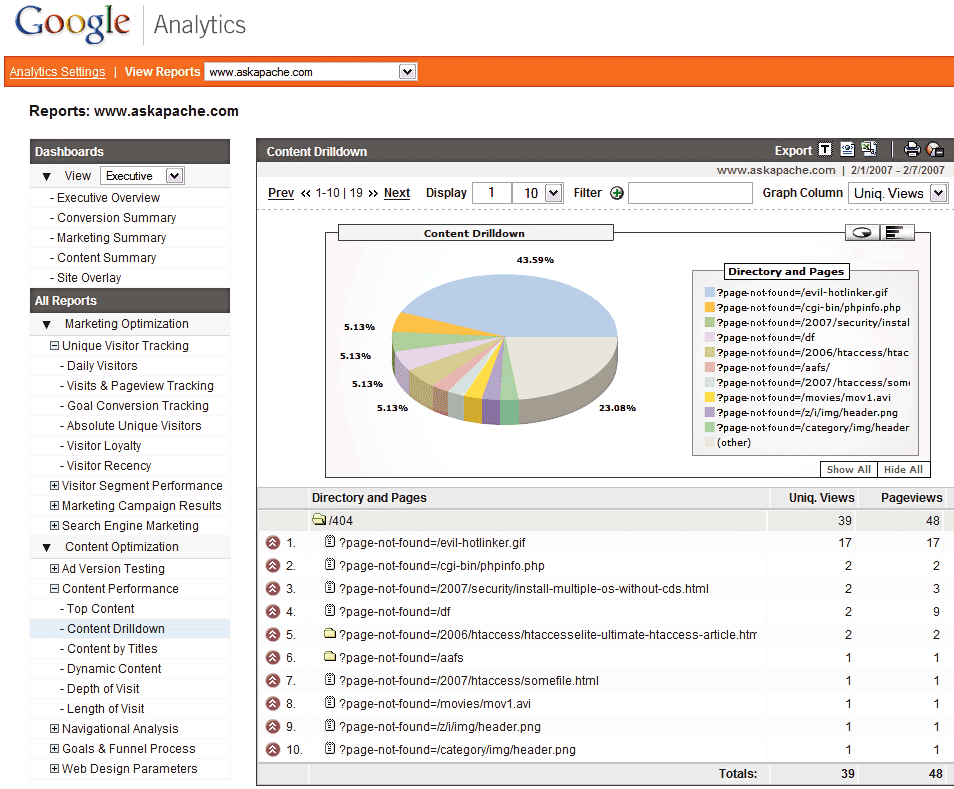
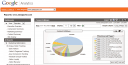 Advanced 404 Not Found Error page usage with Google Analytics. This makes it very easy to diagnose and keep track of 404 Error messages from within google analytics. Enjoy!
Google
Enter your DOMAIN_ROOT and the location of your wp-config.php or config.php, and this script finds all the mysql settings by parsing the phpbb or wordpress config file, then creates GPG encrypted backups, and saves your settings for future automation.
Shell Scripting
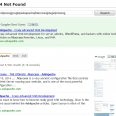 Turns every 404 Not Found error into a SEO traffic generating event! Help your site visitors find what they were looking for automatically by leveraging both Google and WordPress. It's one of about 6 plugins I use on every WP site I run. Highly recommend you try it for a few months.
«Take My 404 for a Test-Drive
SEO 404 Google 404 SEO wordpress WordPress Plugin
Become a member of the Free Software Foundation today to help us reach our goal of $450,000 by January 31st.
Net Coreboot Free Software Foundation FSF GNU GNU/Linux Microsoft Windows
Comprehensive .htaccess example file with advanced examples in 1 htaccess sample skeleton .htaccess file with the very best apache htaccess examples... Updated frequently based on detailed info from the Apache htaccess tutorial.
Htaccess Allow AuthUserFile Deny Htaccess Redirect RewriteCond RewriteEngine RewriteRule