WordPress RewriteRules Viewer
Description | Download | Installation | Screenshots
Updated 3-31-08 for WordPress version 2.5
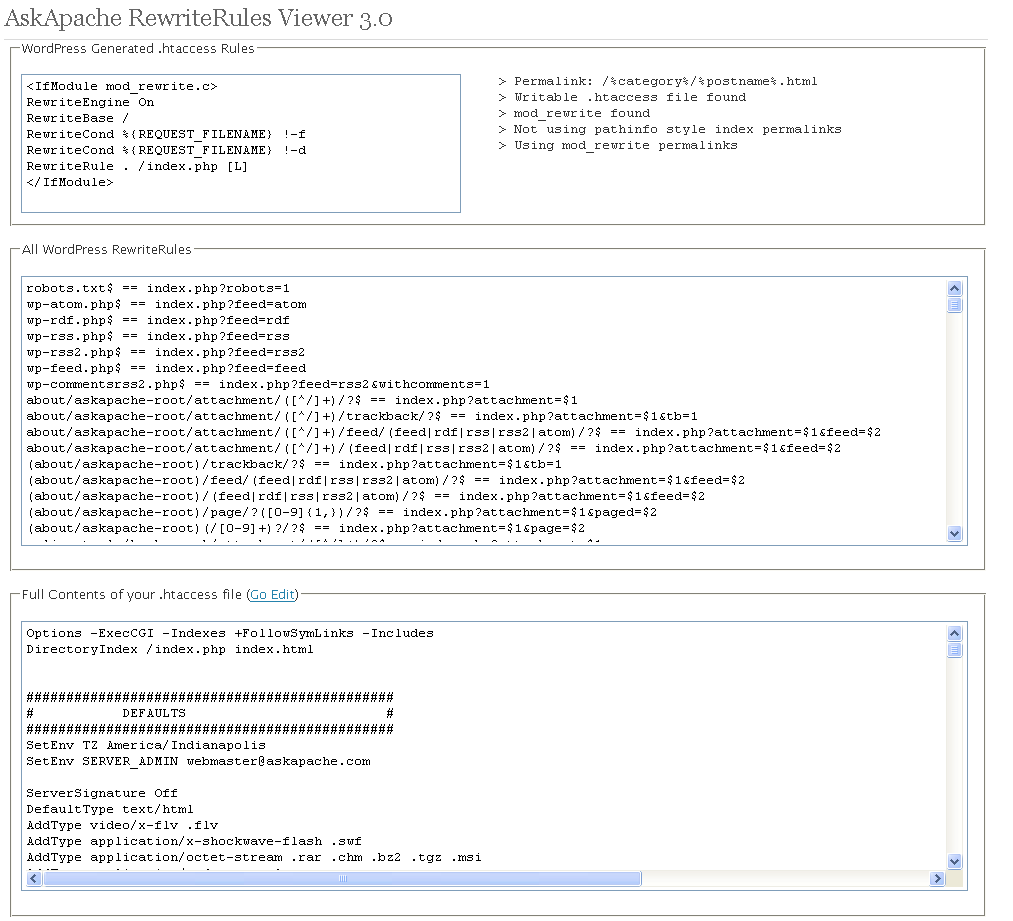
Often I am programming a plugin, or modifying my .htaccess rules, or editing a WordPress template file and I get stuck when it comes to how WordPress rewrites url's internally. This simple plugin displays all the internal WordPress rewrites.
Please Backup your entire MySql Database before you ever mess with Permalinks or rewrites.
Description
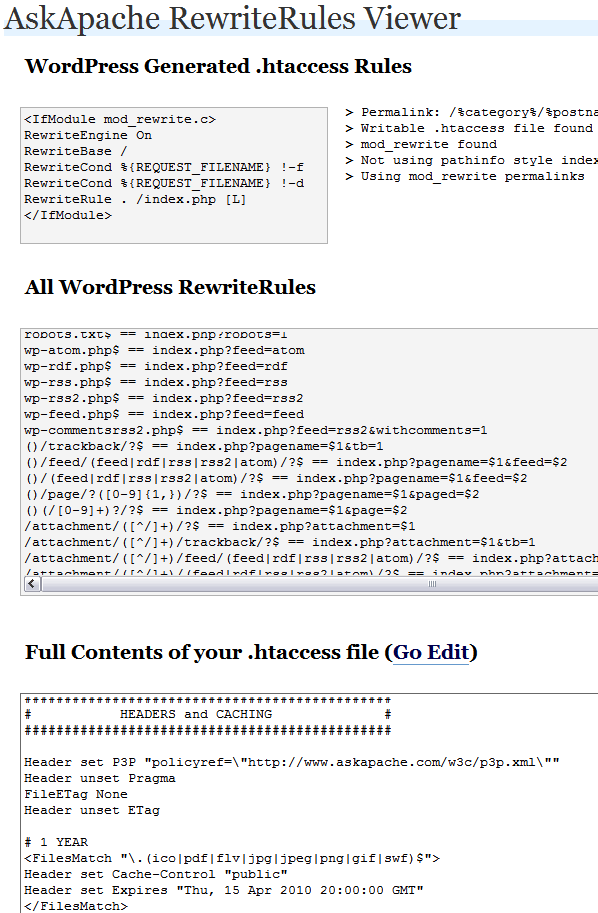 AskApache RewriteRules Viewer is a simple plugin that makes it easy for developers and code hackers to view the current WordPress RewriteRules at any time.
Download AskApache RewriteRules Viewer Plugin
Installation
- Upload
askapaches-rewriterules-viewer.zipto the/wp-content/plugins/directory - Unzip into its own folder
/wp-content/plugins/askapaches-rewriterules-viewer/askapaches-rewriterules-viewer.php - Activate the plugin through the 'Plugins' menu in WordPress by clicking "AskApache RewriteRules Viewer"
- Go to your Options Panel and open the "AA RewriteRules" submenu.
Screenshots
Plugin Default View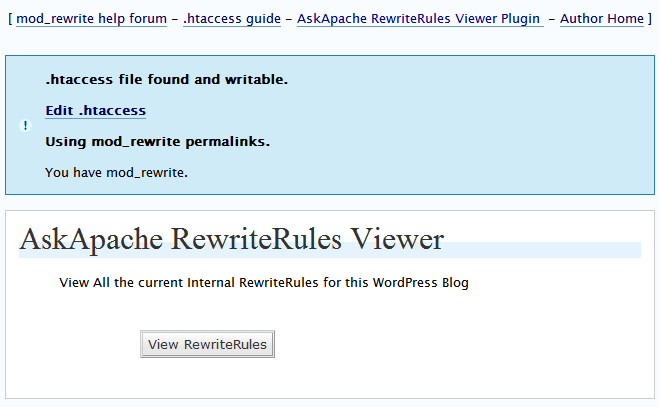
RewriteRules Output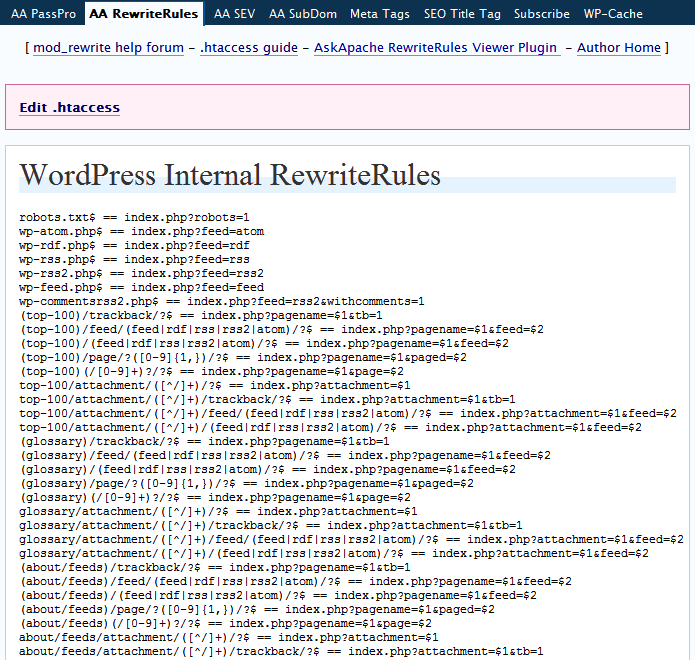
« Speed Tips: Use Multiple SubDomainsFreshen your Anti-virus, Anti-Rootkits, and Anti-Spyware »
Comments