CSS Cross-Browser Compatibility Tip
FREE THOUGHT · FREE SOFTWARE · FREE WORLD

CSS Cross-Browser Compatibility Tip

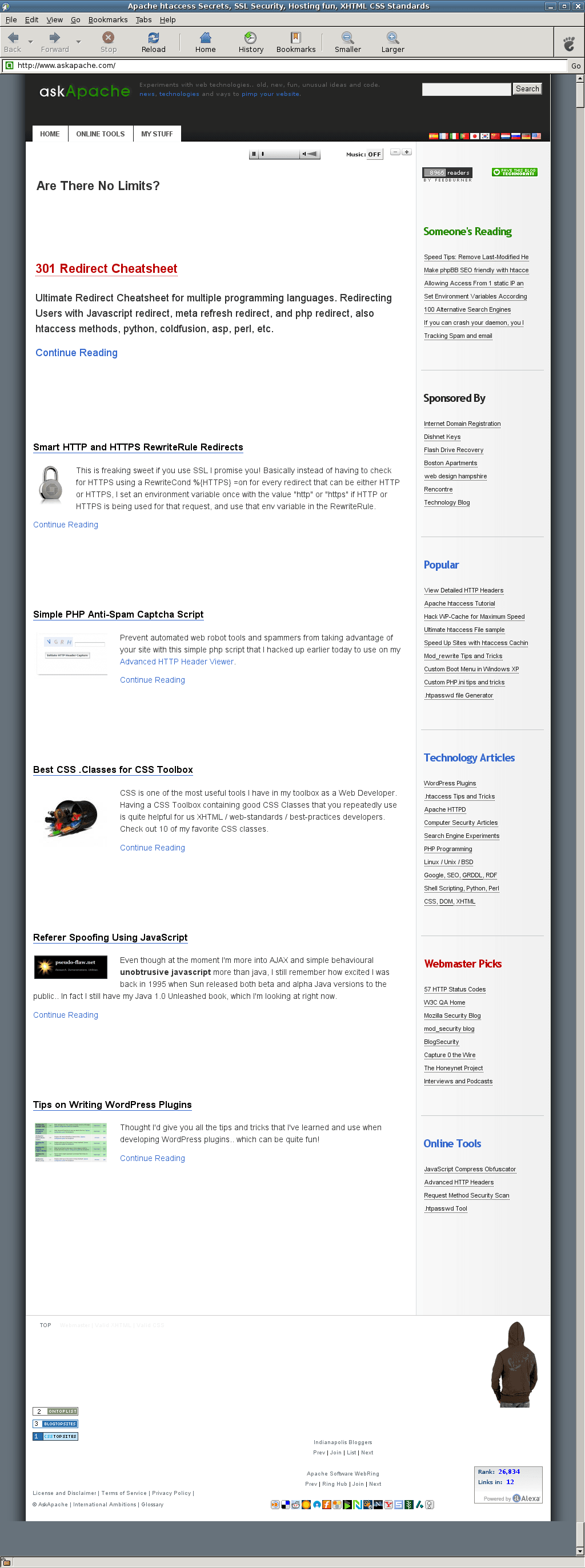
AskApache.com ScreenShot - Epiphany 2.18

I’ve been trying to master CSS for a number of years, and rely on it heavily for every web design project I am involved in. An issue that was more important in the past but still huge today is the difference between how the various browser rendering engines and DOM engines process CSS. Basically, an WHTML Strict (the only way I code) web page can look dramatically different depending on which browser is viewing it.

Just last week I finished up an online Webinar Registration form for one of regular clients, and proceeded to send an invitation to register out to hundreds of qualified leads. I received feedback from a couple of the leads using the registration form that they were having problems seeing the submission button/image to complete the registration. I instantly realized that the problem could only be occuring because of CSS issues. These particular leads were using old versions of Apples’ Safari web browser and even a version of Internet Explorer dating from the stone-age. The problem was how floated elements, cleared elements, and block level vs. inline elements are displayed in those browsers. The fix was very simple and only took me a minute or 2, but it highlighted that I have become a little to confident in my CSS cross-browser-compatibility skills.

What I used to do when I was still learning CSS was to check the web page in each of the various problematic browsers to make sure the display stayed the same. I have several actual machines and several vmware virtual machines running various browers but I decided to skip all that extra time and effort and just use an online tool to do it for me. The tool views my page in all the various browsers and generates a screenshot image from each browser so that I can see if there are issues with my CSS.

Browsershots

Browsershots makes screenshots of your web design in different browsers. It is a free open-source online service created by Johann C. Rocholl. When you submit your web address, it will be added to the job queue. A number of distributed computers will open your website in their browser. Then they will make screenshots and upload them to the central server here.

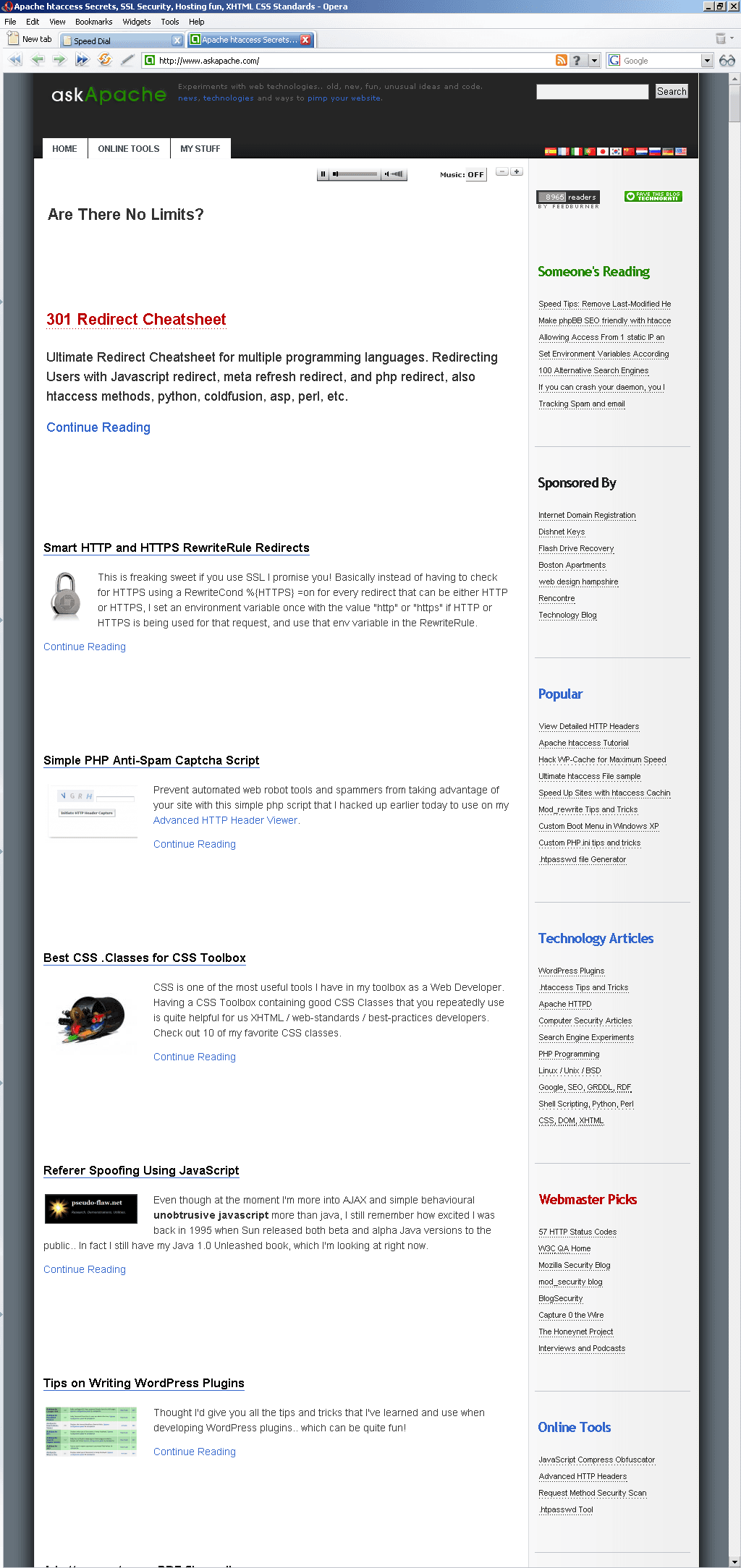
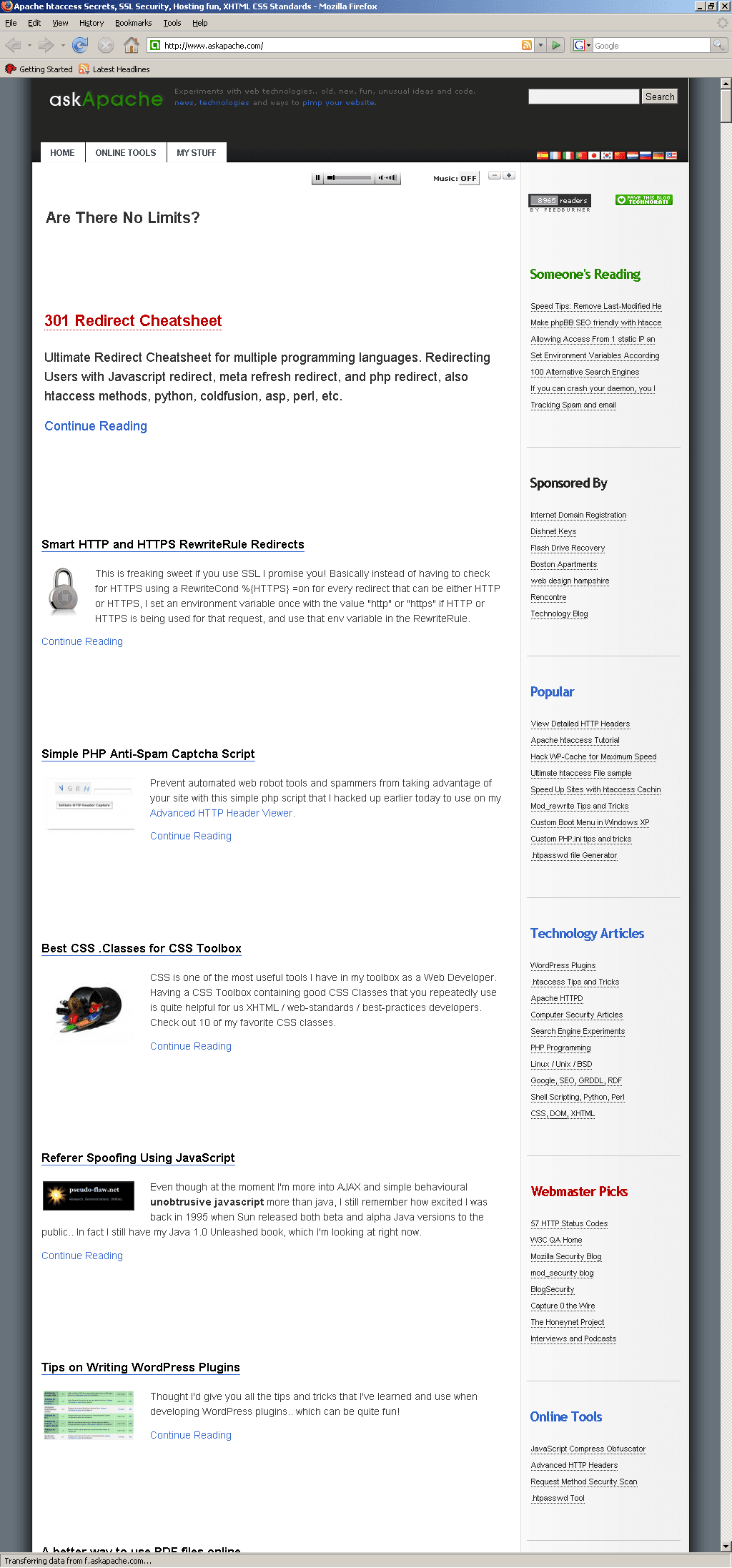
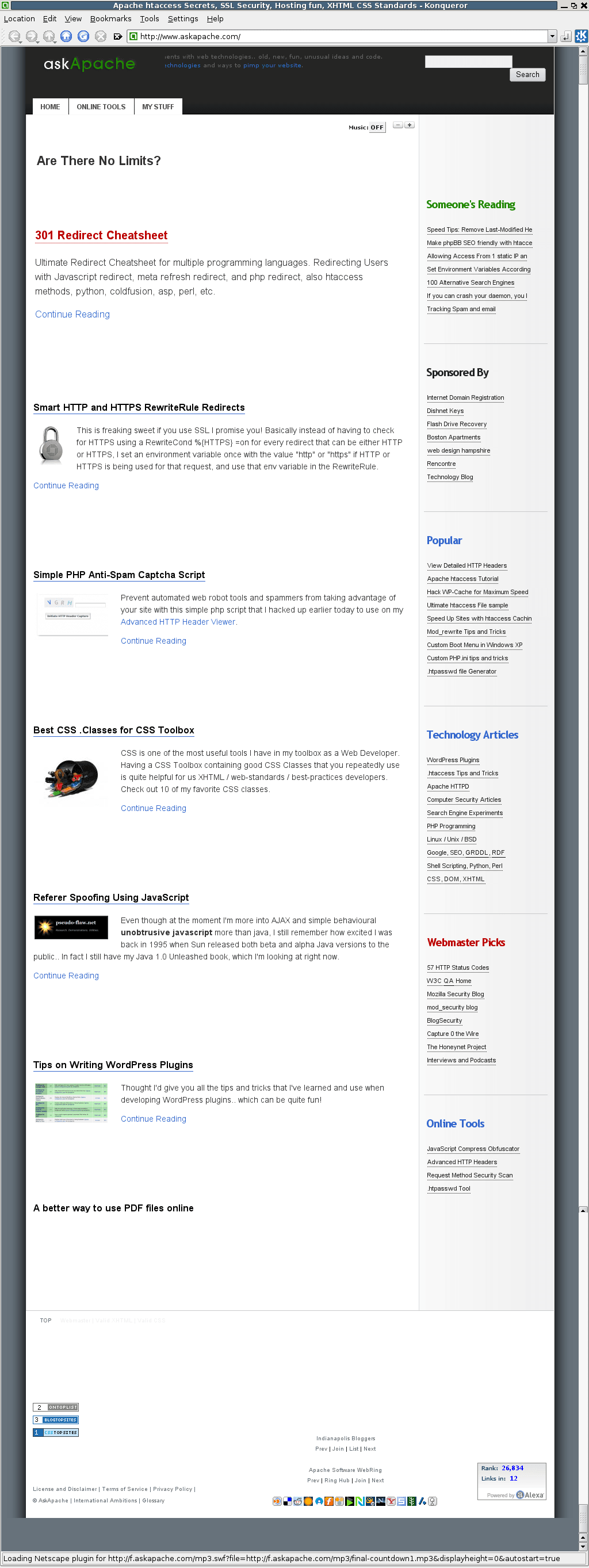
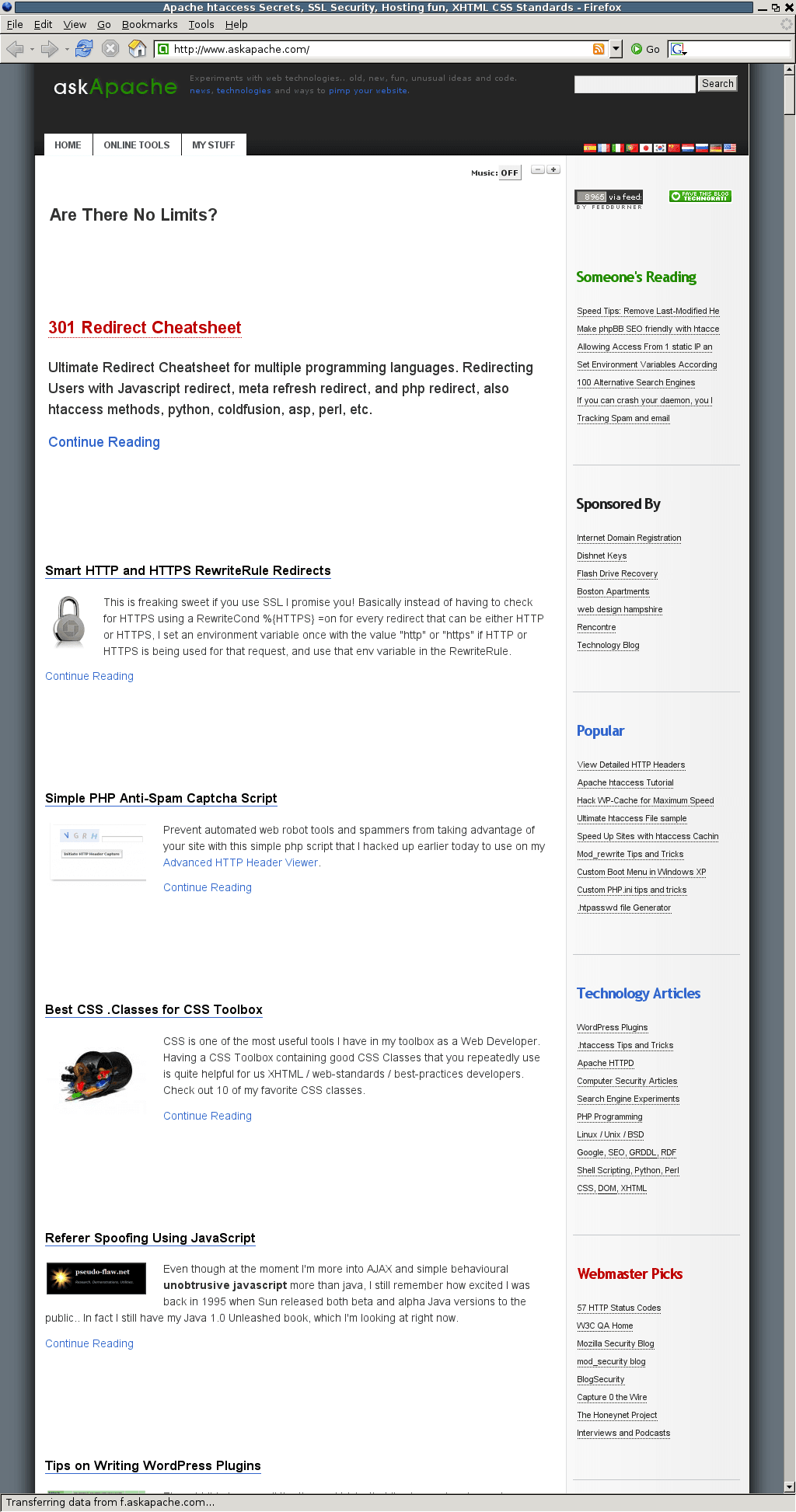
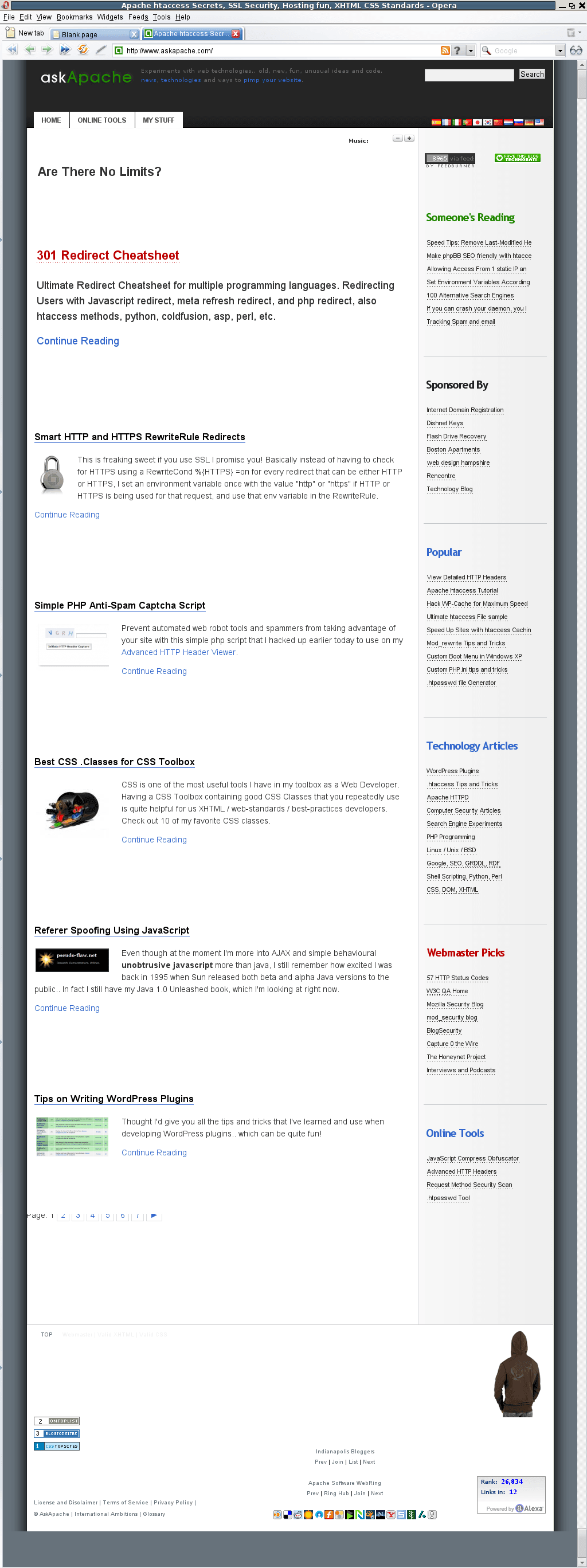
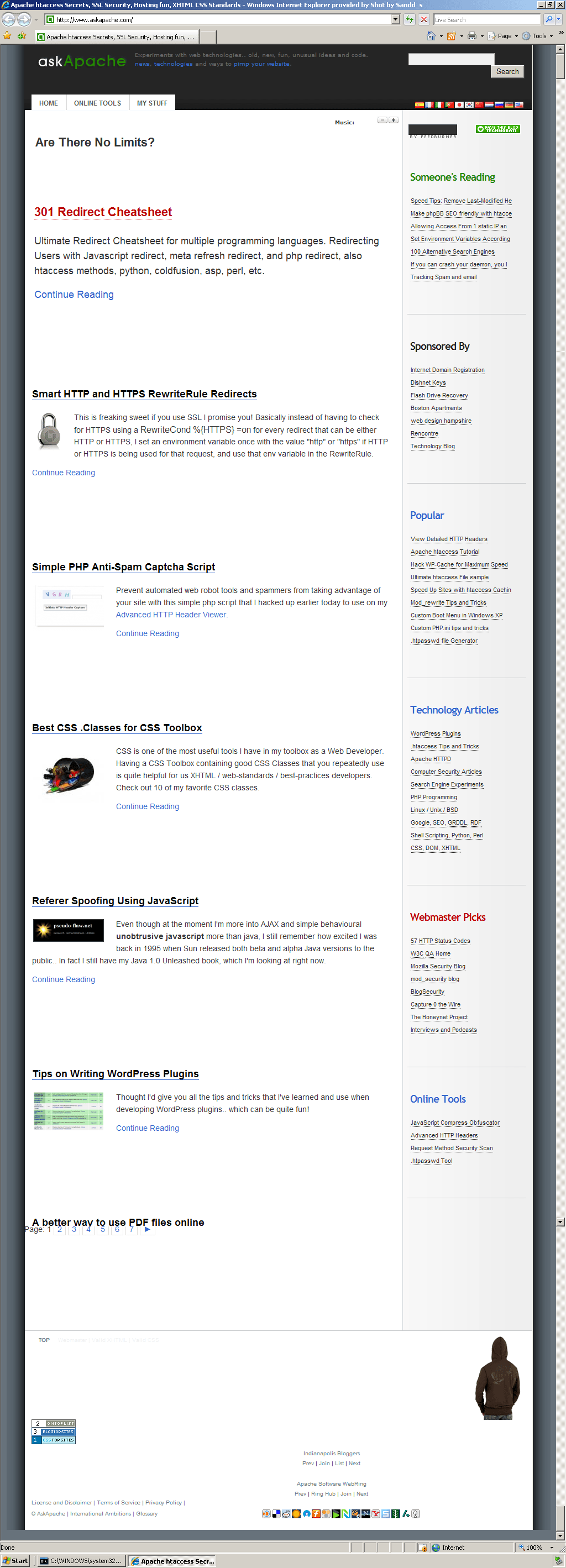
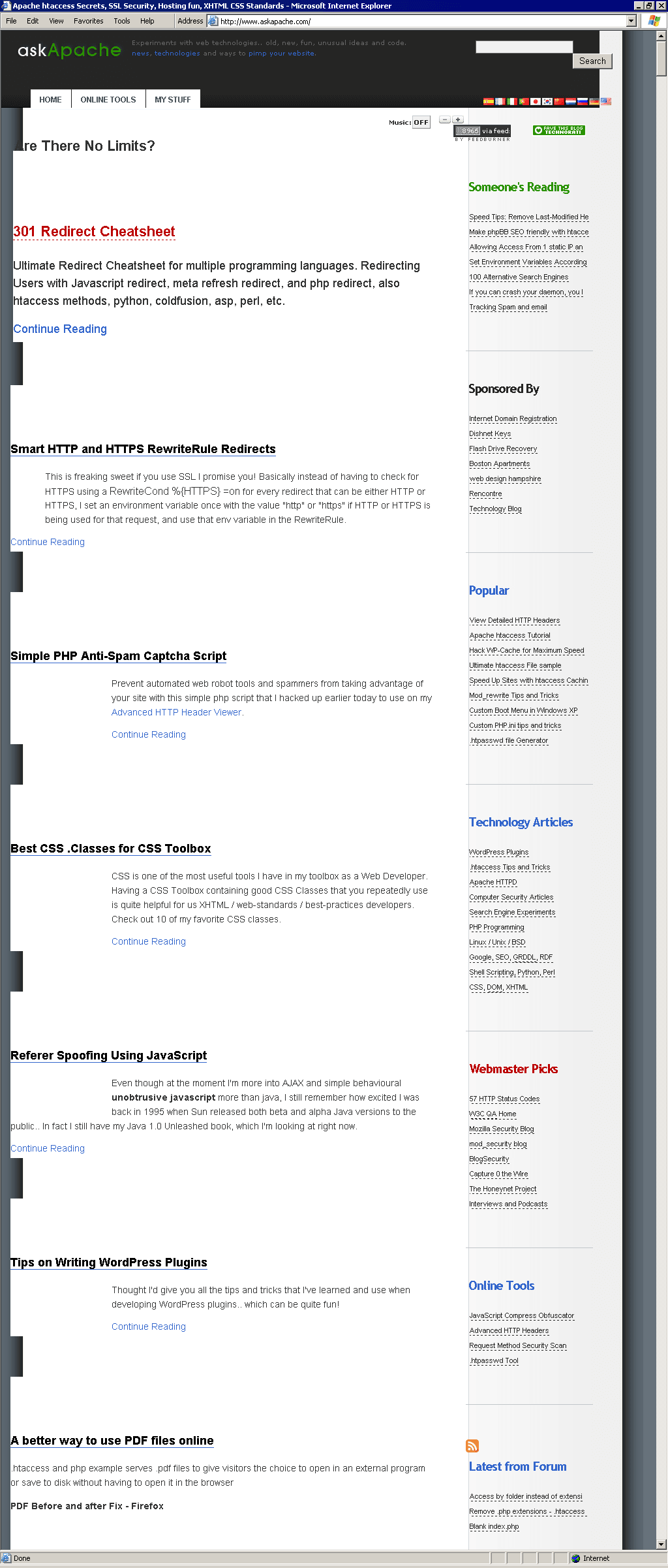
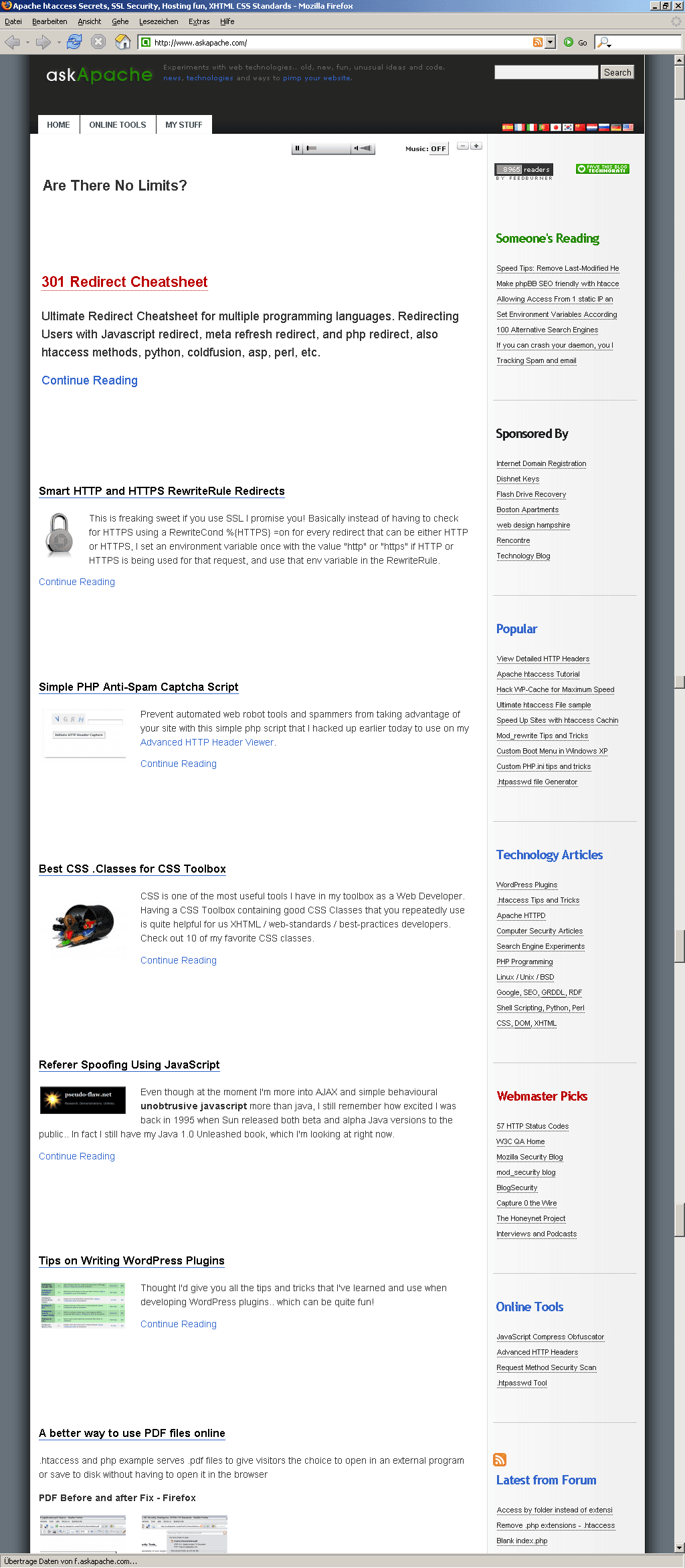
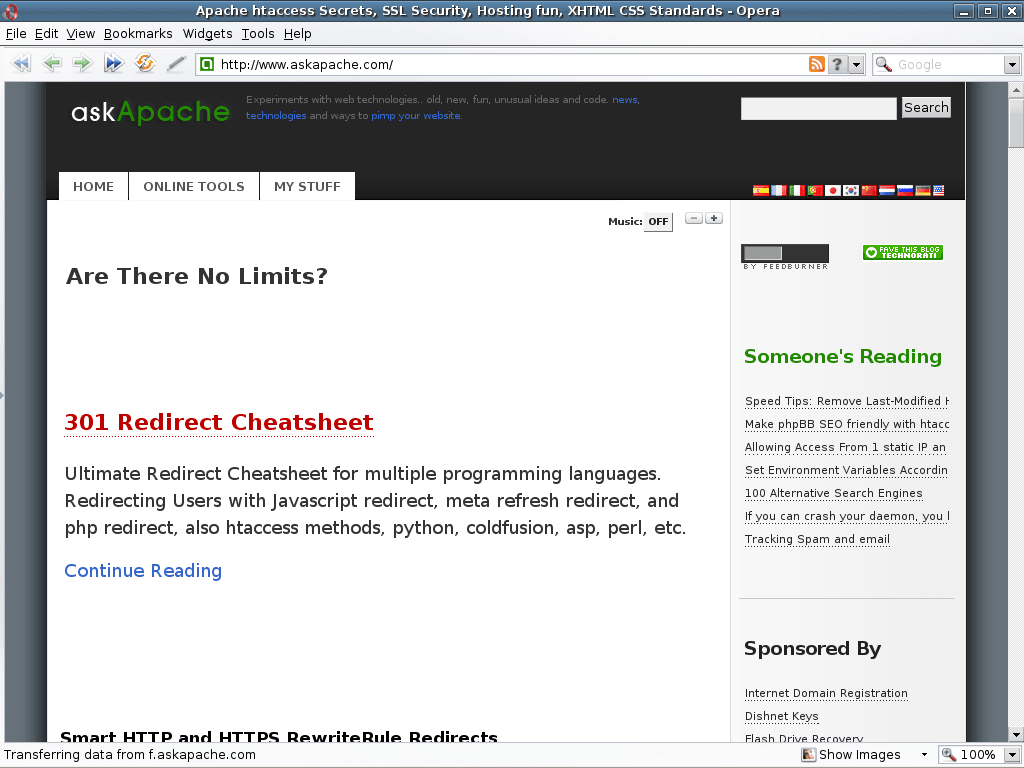
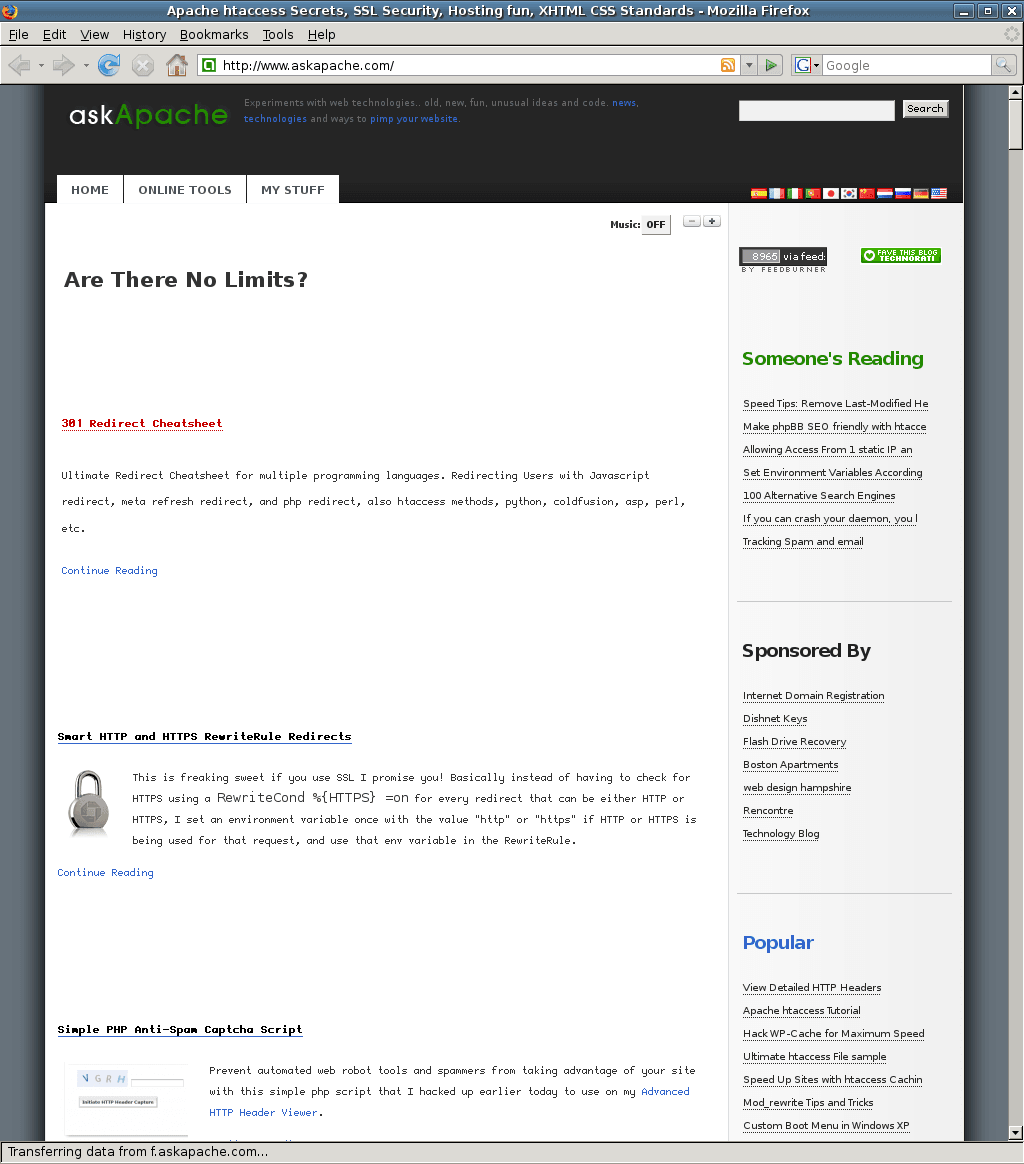
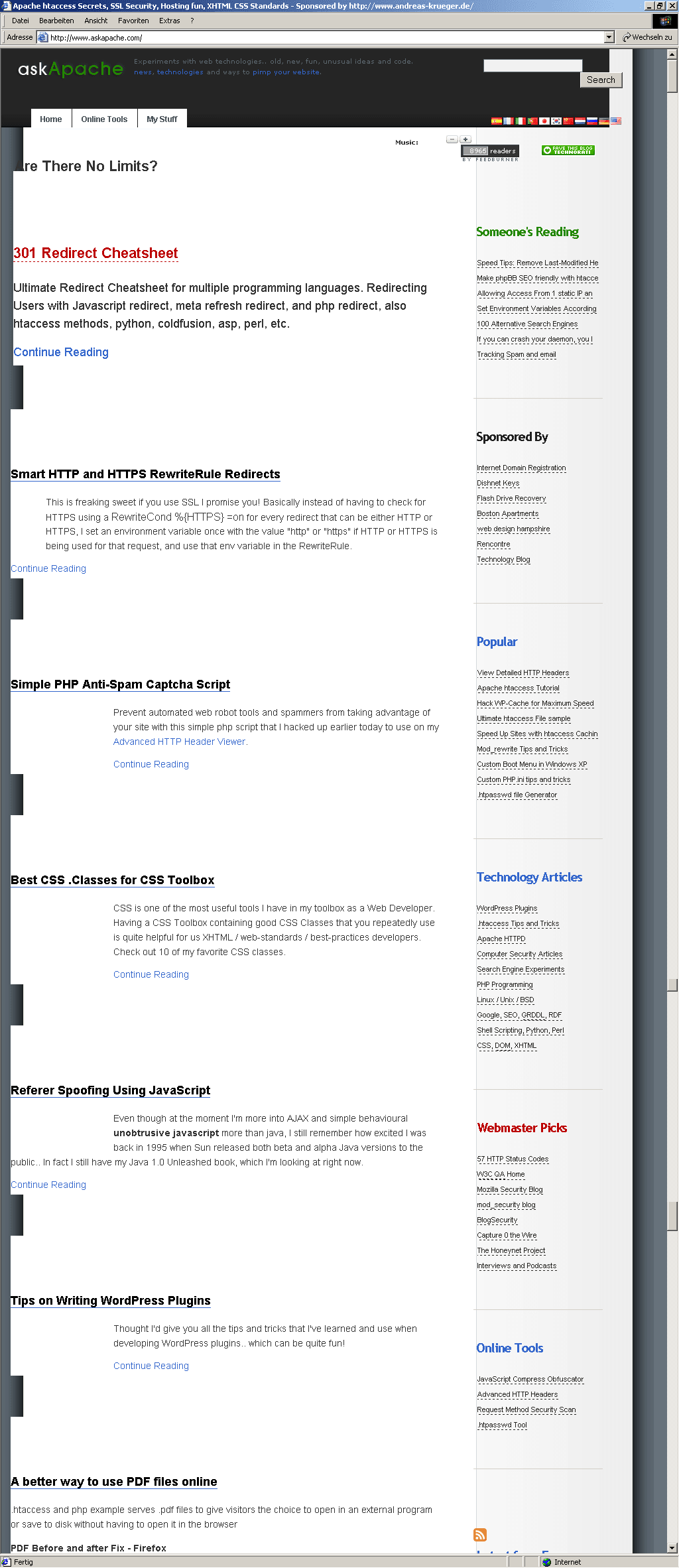
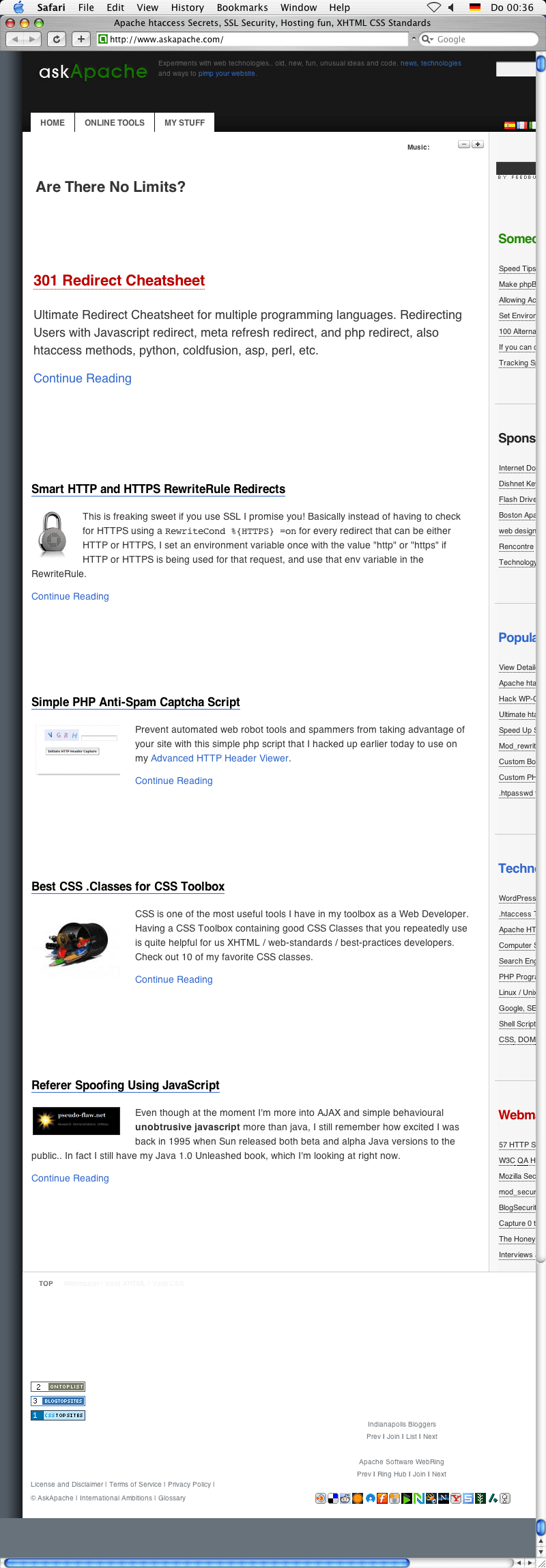
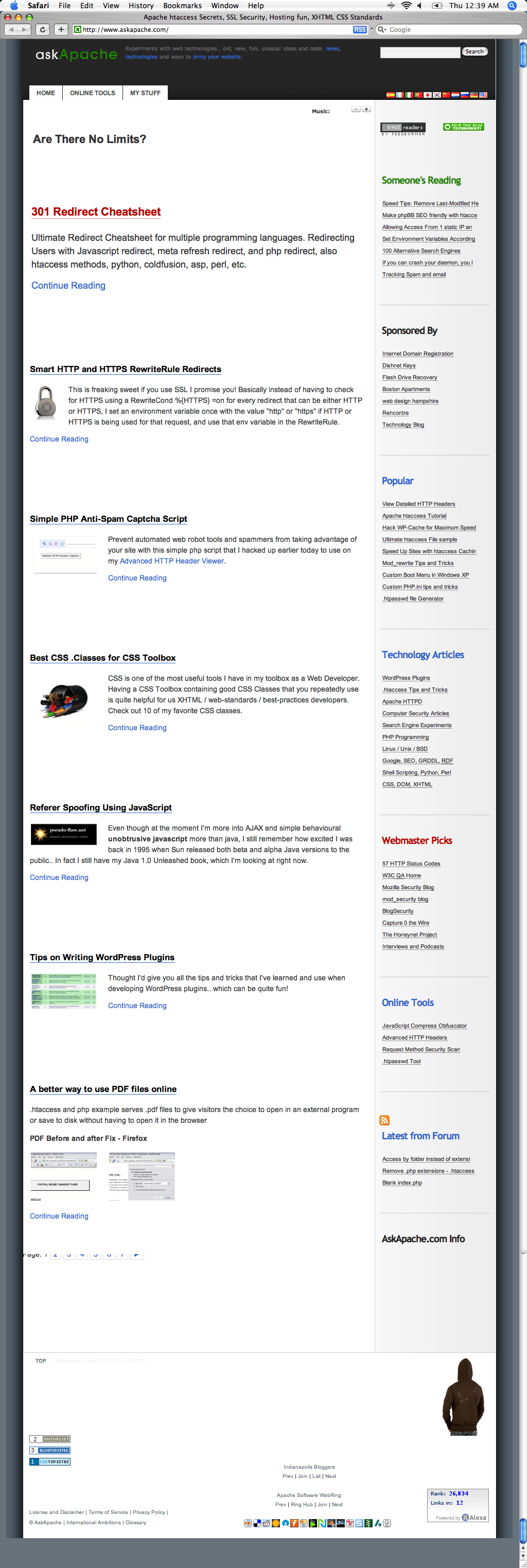
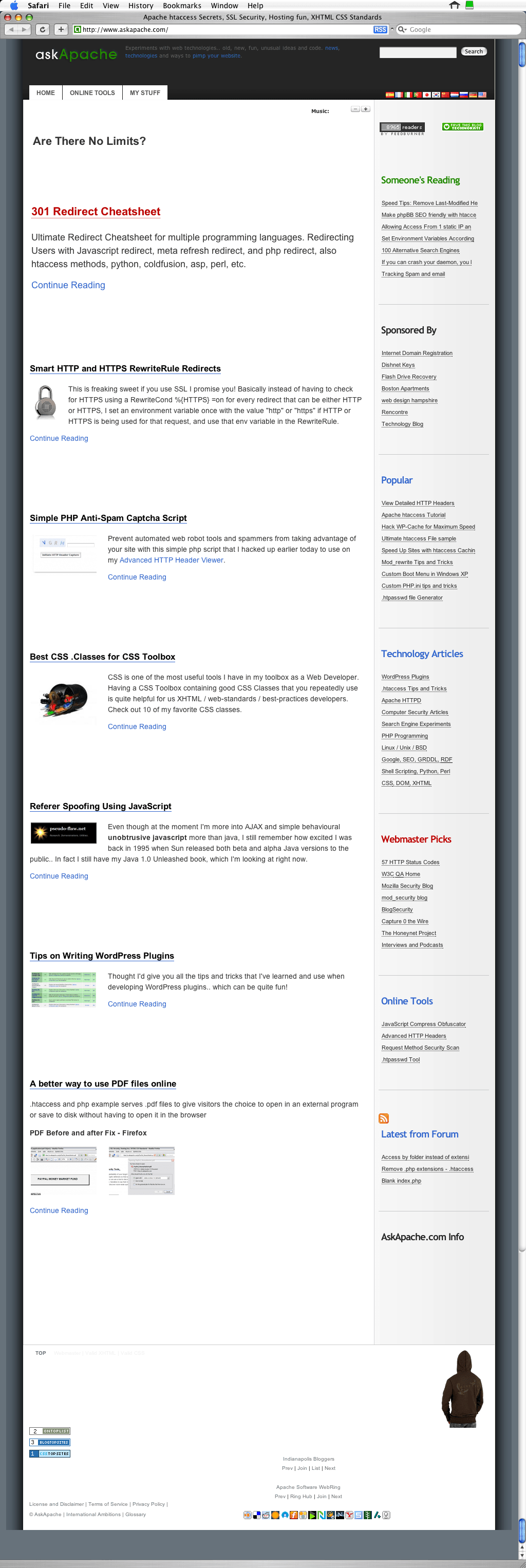
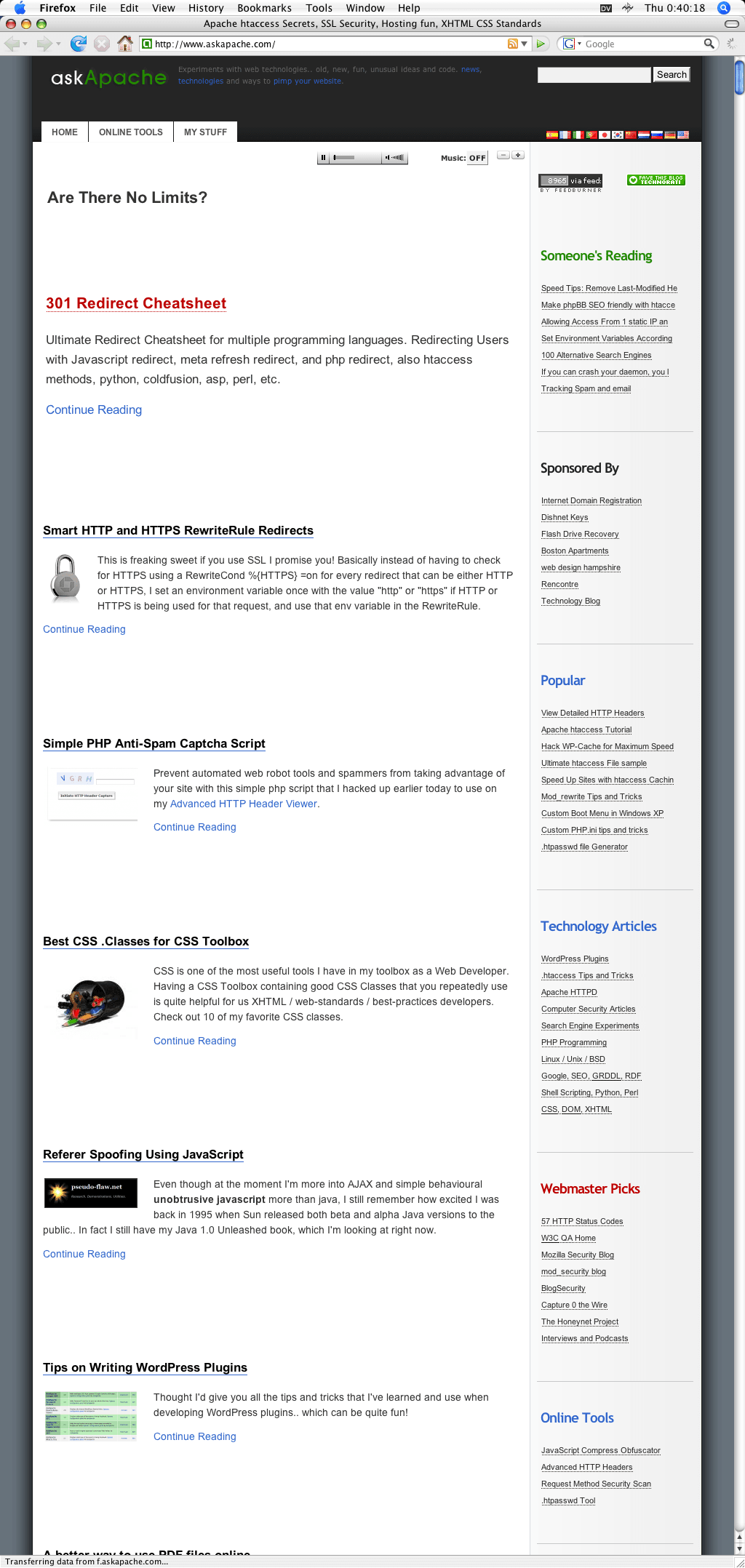
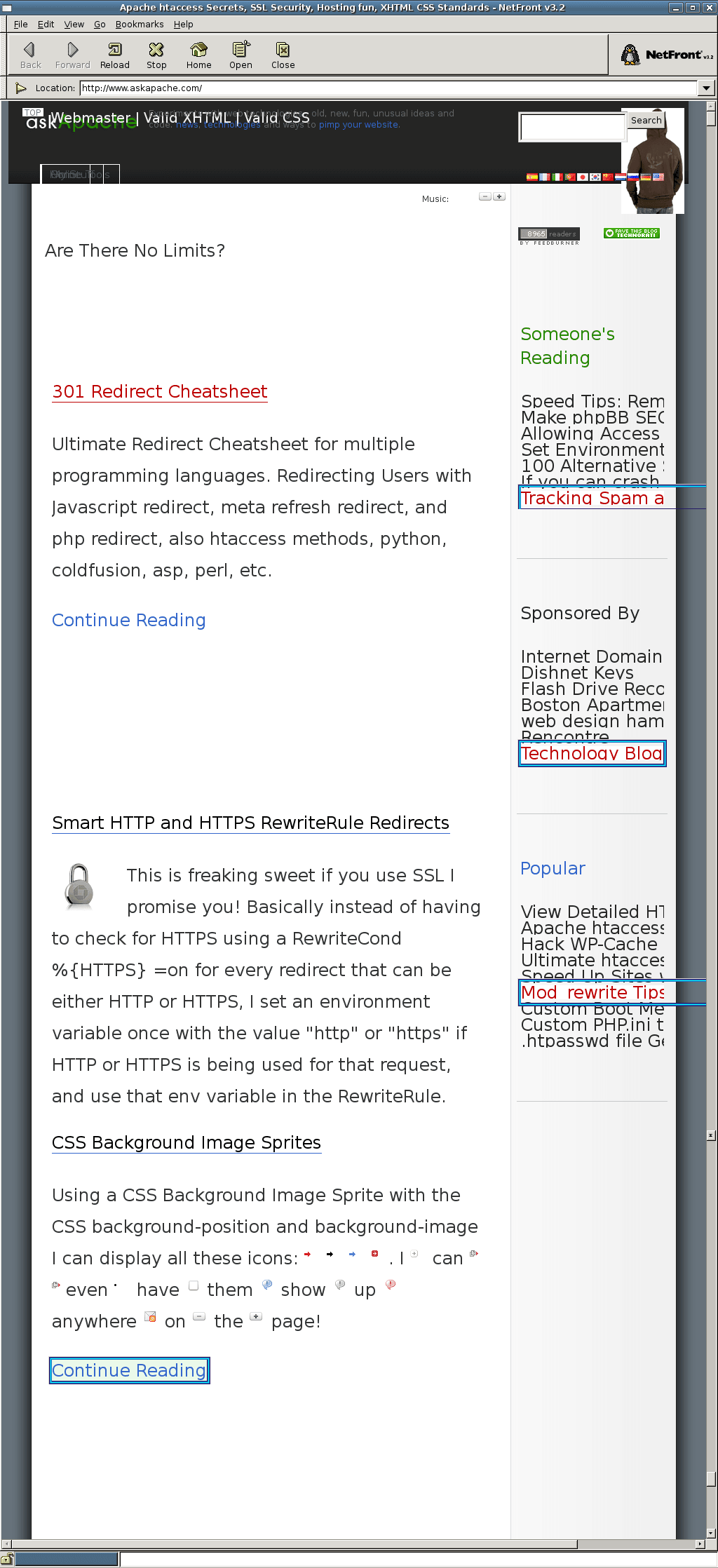
Below are the actual screenshots generated from Browsershots, and so this tool is incredibly helpful in verifying my sites as cross-browser compatible.
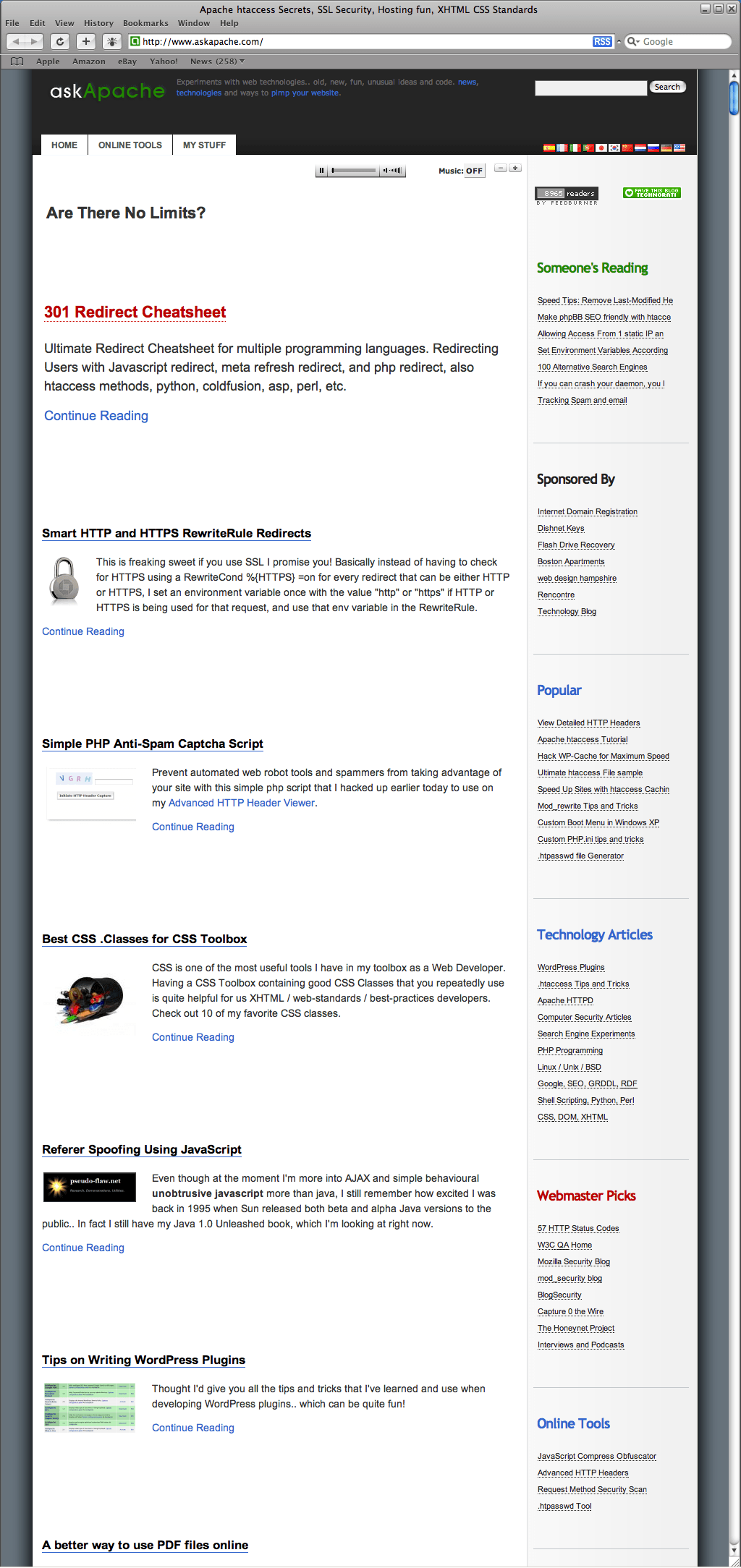
AskApache.com ScreenShot - Safari 3.0.3

Safari 3.0.3
Windows 2000

AskApache.com ScreenShot - Opera 9.24

Opera 9.24
Windows 2000

AskApache.com ScreenShot - Epiphany 2.18

Firefox 2.0.0.9
Windows 2000

AskApache.com ScreenShot - Konqueror 3.5

Konqueror 3.5
Ubuntu 6.06

AskApache.com ScreenShot - Firefox 1.5.0.13

Firefox 1.5.0.13
Ubuntu 6.06

AskApache.com ScreenShot - Opera 9.24

Opera 9.24
Ubuntu 6.06

AskApache.com ScreenShot - MSIE 7.0

MSIE 7.0
Windows 2003

AskApache.com ScreenShot - MSIE 6.0

MSIE 6.0
Windows XP

AskApache.com ScreenShot - Firefox 1.5

Firefox 1.5
Windows XP

AskApache.com ScreenShot - Opera 9.50

Opera 9.50
Ubuntu 7.10

AskApache.com ScreenShot - Firefox 2.0.0.11

Firefox 2.0.0.11
Ubuntu 7.10

AskApache.com ScreenShot - MSIE 5.5

MSIE 5.5
Windows 2000

AskApache.com ScreenShot - Safari 1.3.2

Safari 1.3.2
Mac OS X 10.3

AskApache.com ScreenShot - Safari 3.0.4

Safari 3.0.4
Mac OS X 10.4

AskApache.com ScreenShot - Safari 2.0.4

Safari 2.0.4
Mac OS X 10.4

AskApache.com ScreenShot - Firefox 2.0.0.1

Firefox 2.0.0.1
Mac OS X 10.4

AskApache.com ScreenShot - NetFront 3.2

NetFront 3.2
Ubuntu 7.10

AskApache.com ScreenShot - Epiphany 2.18

Epiphany 2.18
Ubuntu 7.04


«
»

Skip to Comments

Add Your Opinion

Reader Comments

  1. Demiurg ~

    You may want to take a look at this new service http://www.browserseal.com

    Since it is not a web service, but an application there is no need to wait at all and the interface is much more convenient. The downside is that it’s a new service which is currently in a very early beta stage and only a handful of browsers are supported.

    At any rate, I thinks this new service is worth keeping an eye on, as it is being actively developed and new features as well as new browsers will be added in the future.

  2. banisar ~

    Hi, thanks for sharing this information eventhough I’ve already been using it and have noticed a little problem with this tool. I’ve used this tool while I was developing one website. I submited my website and got screenshots but after I made changes in my CSS and wanted to see the outcome I wasn’t allowed to refresh screenshots. So, you can use it once and then have to wait 1 month if you want to make new screenshots of the same website..

  3. Luka ~

    Hi,
    thanks for sharing this information eventhough I’ve already been using it and have noticed a little problem with this tool. I’ve used this tool while I was developing one website. I submited my website and got screenshots but after I made changes in my CSS and wanted to see the outcome I wasn’t allowed to refresh screenshots. So, you can use it once and then have to wait 1 month if you want to make new screenshots of the same website..

  4. Martyn ~

    Thanks for the tip–however, your link is to browsershots.com instead of browsershots.org.

  5. Matt ~

    Thanks for the tip! But I think that your link to BrowserShots is incorrect–it’s a .org rather than a .com. Just FYI.

  6. vishwaa ~

    Thank you for sharing the great information.

    The actual url for browsershots is http://browsershots.org. But you have linked to http://browsershots.com.

  7. Mario ~

    Your link is wrong….its *.org, not *.com


It's very simple - you read the protocol and write the code. -Bill Joy

HTML | DCMI | GRDDL | XOXO | XDMP | XFN | DOM | XML | XHTML 1.1 Strict | CSS 2.1 | W3C | TLDP | WAI | DISA | ICSI | GIAC | SANS RR | GHOST | DEFCON | NIST | DHS CYBER | NIST | .:: Phrack Magazine ::.

↑ TOPExcept where otherwise noted, content on this site is licensed under a Creative Commons Attribution 3.0 License, just credit with a link.
This site is not supported or endorsed by The Apache Software Foundation (ASF). All software and documentation produced by The ASF is licensed. "Apache" is a trademark of The ASF. HTTPD based on NCSA HTTPd

Site Map | Contact Webmaster | Email AskApache | Glossary | License and Disclaimer | Terms of Service