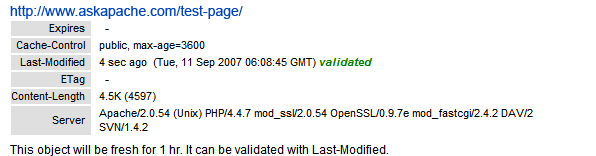
Here's an example of validation links from the AskApache footer.
RSS | XHTML 1.1 | CSS 2.1
document.getElementById("validat").innerHTML += ' | <a href="http://feedvalidator.org/check.cgi?url=https://www.askapache.com/feed/">RSS</a> | <a href="http://validator.w3.org/check/referer?ss=1;outline=1;sp=1;debug">XHTML 1.1</a> | <a href="http://jigsaw.w3.org/css-validator/check/referer?warning=0">CSS 2.1</a>'; Javascript Firebug JavaScript
Here are the steps that I take to get an SPF Record going on DreamHost
v=spf1 mx ip4:64.111.100.0/24 ip4:66.33.201.0/24 ip4:66.33.216.0/24 ip4:208.97.1 32.0/24 ip4:208.97.187.0/24 ip4:208.113.200.0/24 ip4:208.113.244.0/24 ip4:64.18.0.0/20 ip4:74.125.148.0/22 include:aspmx.googlemail.com include:_spf.google.com ~all
Hosting
Google DNS Google Google Public DNS performance tools web performance
 Check out ReadWriteWeb's fantastic list of uniquely useful search engines, its a lot of fun!
Google
- When php run as Apache Module (mod_php)
- When php run as CGI
- When cgi?d php is run with wrapper (for FastCGI)
PHP CGI Htaccess PHP php.ini
 FeedBurner is so RAD! I love it. Here's an alternative method to redirect scrapers and feed requests to your feedburner url, in my case, I use Branding by feedburner, which is so hot, taking advantage of CNAMEs in your DNS record.
Htaccess
How I was able to preload many flash flv and swf files on one of my clients sites that has a lot of online video and relatively small traffic. Their site visitors would usually watch 3-10 videos per visit and so to make the videos load almost instantly on every page I came up with a way to preload the top 10 .flv files and the swf flv player files as soon as the visitor successfully started watching the 1st video. Of course I also setup .htaccess caching on the server so that once they downloaded the files into their cache they would never request them from the server again. I was having fun with this so its pretty funky and uses some really cool combinations of javascript, swf preloader from xml, css classes to help automate it all..
Optimization Actionscript Cache Caching Flash flv Htaccess preload SWF
Control htaccess Basic Authentication with PHP and mod_rewrite Htaccess
Web Design
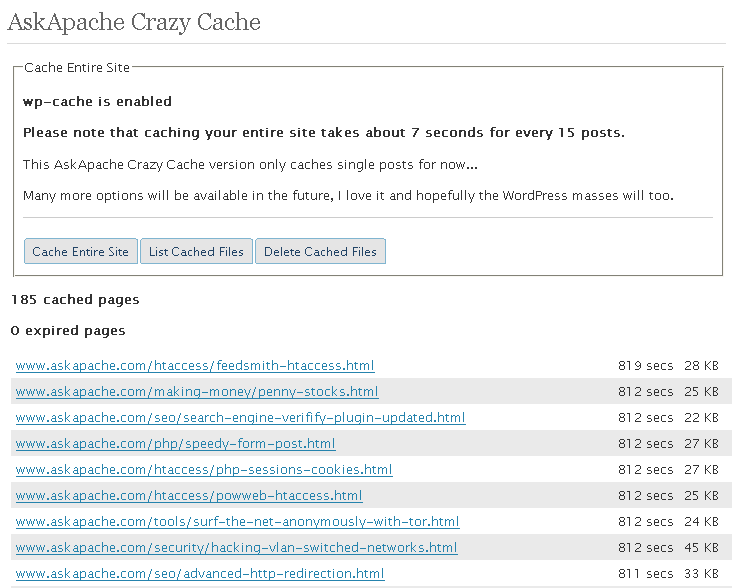
 If you desire SPEED from your WordPress blog, the #1 speed improvement comes from using the WP-Cache Plugin. If you still desire SPEED after installing the Plugin, you can modify the WP-Cache Plugin code to make your blog even faster!
Optimization Cache wordpress WP-Cache
Demo php cURL code, that automatically logs into Google AdSense, using cookies and post fields with the POST method.
Google
Apache .htaccess Directives and Loaded Modules allowed on DreamHost Apache Server 2 Setups.
Hosting
 Learn about the 7 different HTTP response codes specifically reserved for redirection. 301, 302, 303, 304, 305, and 307.
SEO
Hosting DreamHost Out of memory RAM virtual memory
 A WordPress plugin that caches your entire blog for WP-Cache, I love this plugin and finally released it to the public!
WordPress
Learn how in a year, with no previous blogging experience this blog was able to rank so high in search engines and achieve 15,000 unique visitors every day. Uses combination of tricks and tips from throughout AskApache.com for Search Engine Optimization.
SEO
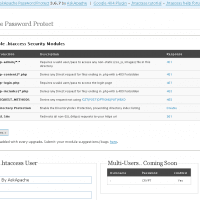
- gzip's previous .htaccess file and sends it as an attachment to the logged in users email account along with password user setup.
- Now also works for sites running on SSL (PHP version >4.3.0)
- Rewrote the security module code in the form of snort, nessus, and mod_security rules and signatures
- Added a *real* check to see if mod_rewrite is installed
- Added Modules that remove directoryindexes
- Much more on the way..
WordPress
DreamHost PS gives you your own "virtual machine", protecting your CPU and RAM on your physical machine for faster websites. Here's what I like and dislike about DreamHostPS, and some of the issues and solutions for migrating.
Hosting DreamHost
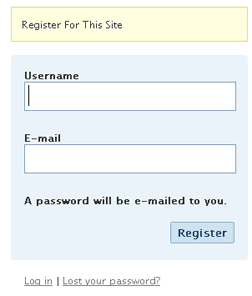
Registering on a WP blog requires entering a username and email then checking your email for an auto password.
Too much work to put your users through?
This uses just email and password and does it all.
WordPress
Sometimes there is an urgent need for creating an exact duplicate or "mirror" of a web site on a separate server. This could be needed for creating Round Robin Setups, Load-Balancing, Failovers, or for just plain vanilla backups. In the past I have used a lot of different methods to copy data from one server to another, including creating an archive of the whole directory and then using scp to send the file over, creating an archive and then encrypting it and then sending that file over using ftp, curl, etc., and my persistence at learning new ways to do things has paid off because now I use rsync to keep an exact replica of the entire directory on an external server, without having to use all the CPU and resources of other mirroring methods.
Security rsync ssh
Here is the basic process that I use to speed up Windows. A lot of good tips and tricks I've picked up over the past 15+ years of crashing and burning Windows that can transform your PC to be much faster than its ever been. The process focuses on freeing up RAM/Memory, freeing up your CPU/Processor, and optimizing your Hard Drive for a permanent solution.
Make sure to check out the free software I recommend at the end, installing them after this optimization process will keep your machine fast for a long time.
Windows Defragment Optimize Sysinternals Windows XP
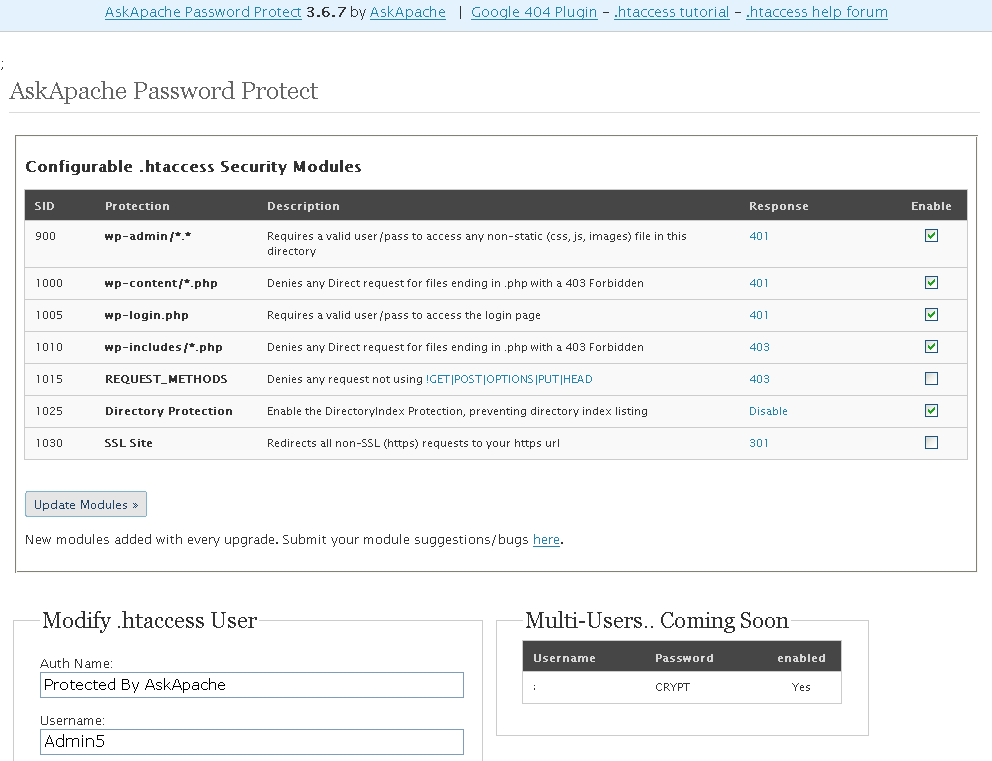
 So my blog as been rather quiet for almost a year now, and very few updates if any have been released for my Password Protection PLugin, my Google 404 Plugin, and definately not for my AskApache CrazyCache plugin, which I will be releasing last... So for all of you who've helped me out by sending me suggestions and notifying me of errors and sticking with it... Just wanted to say sorry about that, and thanks for all the great ideas.. Well, I've been sticking with it as well believe it our not. I manage to get free days once in a while, and then its time to jam.
WordPress Apache HTTP Server CGI Debugging HTTP protocol Htaccess SuexecUserGroup
Looking for some advanced uses for the shell? Here is some of my best. The shell is where 70% of my work takes place, and I have at least one terminal open almost 100% of the time, for viewing tailing color-coded logs, and of course for the SSH Tunnels that I use to route various networking through, like my email. So I decided that to standardize and create a bash_profile containing the most time-saving and helpful functions that I could use on all the various hosting environments would really be some sweet sugar, so here is my constant Work-in-progress.
It works for all shells I encounter, including BackTrack, Debian, Knoppix, Arch Linux, etc. Also works for many hosting environments I use including DreamHost, HostGator, WiredTree, and pretty much any linux VPS.
I also rely on this heavily from within shell scripts I write to access all the functions and stuff in this .bash_profile, and to do that I just do like:
#!/bin/bash

source ~/.bash_profile &>/dev/nulll

pm "PM is a function to output nice messages with color"
yn "Are you enjoying the shell" && pm "Thats great!" || pm "Perhaps you're better suited for DOS"
yn "Show Calendar" && aa_calendar
yn "Show Fortune" && aa_fortune
Linux Arch Linux bash linux shell Unix shells
The goal is to add the HostGator server to be an exact mirror of the s.askapache.net domain, then to add that server as a 2nd A record to my DNS zone. That way half the visitors to the size will be taking up resources and bandwidth on the HostGator server instead of mine.
Round Robin A records in DNS are intended to evenly distribute queries between each host of the same name. Using some tricks straight out of a hackers toolbox we can verify if the distribution is taking place. (It is.)
Optimization DNS HostGator Rackspace Round-Robin WiredTree